

Best Shift Scheduling Software in Canada for 2026 | Top 10 Shift Scheduling platforms

Table of Contents
Managing employee schedules shouldn't mean juggling spreadsheets, tracking down availability, or manually updating shifts every time something changes.
Shift scheduling software helps businesses create employee schedules, manage time off, track hours, and keep teams informed. For Canadian employers, the best solutions also work alongside existing HR and payroll processes.
We've compared 10 of the best employee shift scheduling software platforms for 2026, including Collage HR, Deputy, 7shifts, and Agendrix, to help you find the right fit for your business.
What is the best shift scheduling software in Canada?
Collage HR is our top pick for Canadian businesses looking to manage employee scheduling, time tracking, HR, and payroll in one platform.
Deputy is a strong choice for advanced workforce management, 7shifts specializes in restaurant scheduling, and Agendrix is designed for shift-based teams.
Here are our top 10 picks:
1. Collage HR: Best overall for Canadian businesses
2. Deputy: Advanced scheduling and workforce management
3. 7shifts: Restaurant scheduling
4. Agendrix: Canadian shift-based teams
5. Homebase: Small businesses with hourly employees
6. Connecteam: Mobile and deskless workforces
7. Sling: Affordable employee scheduling
8. MakeShift: Healthcare and complex shift scheduling
9. ZoomShift: Retail and hourly workforce scheduling
10. QuickBooks Time: Time tracking and QuickBooks integration
1. Collage HR: Best overall shift scheduling software for Canadian businesses
Best for: Canadian small and medium-sized businesses looking for employee scheduling, time tracking, payroll, and HR in one platform.
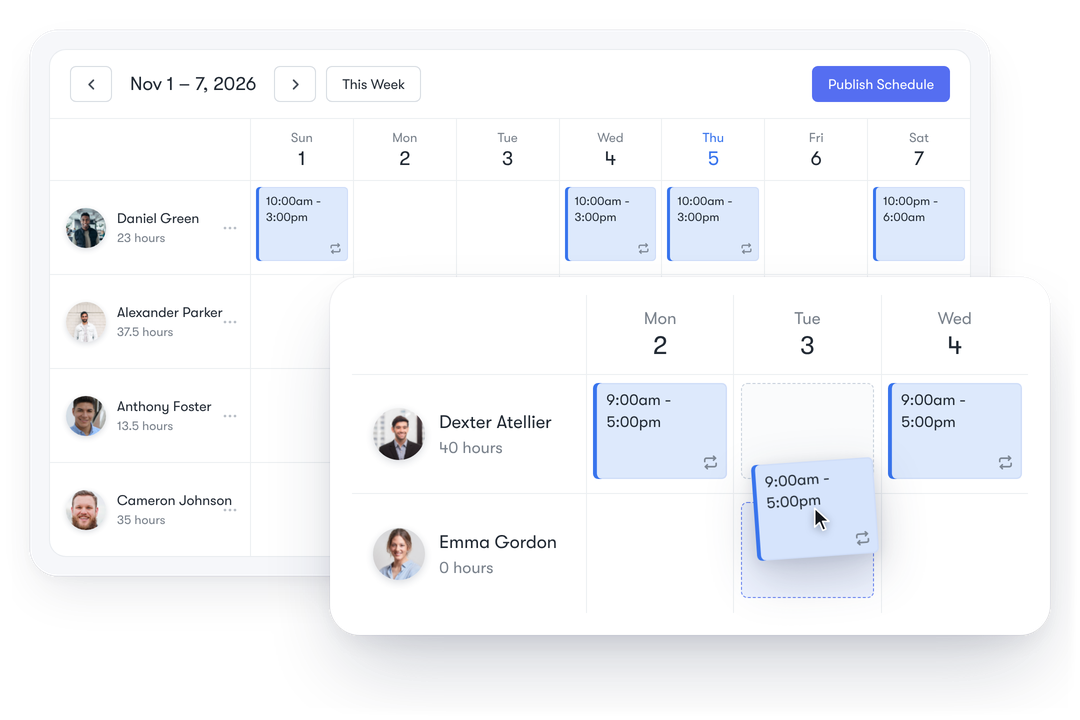
Collage HR is an all-in-one Canadian HR and payroll platform that includes employee shift scheduling.
Unlike standalone scheduling tools, Collage connects shift management with employee time tracking, time off, and broader HR administration. This makes it a great choice for businesses that want to simplify scheduling without adding another piece of software.
Key features:
- Employee shift scheduling: Create, edit, and publish employee schedules.
- Recurring shifts: Schedule repeating shifts up to one year in advance.
- Automatic notifications: Email employees when schedules are published or existing shifts change.
- Scheduling conflict alerts: Identify shifts that overlap with approved time off or other shifts.
- Integrated time tracking: Employees can apply published shifts to their timesheets.
- Time off management: View approved employee time off directly in the scheduler.
- HR and payroll: Manage employee records, time off, time tracking, and Canadian payroll in one platform.
Why choose Collage HR?
Collage is particularly valuable for Canadian businesses that have outgrown spreadsheets or want to consolidate their HR software.
Instead of managing scheduling through one tool, time tracking through another, and payroll through a third, employers can bring these workflows together in Collage.
For businesses with hourly employees, this means less administrative work, better visibility into employee schedules, and a more connected approach to workforce management.
Best for: Canadian employers who want straightforward shift scheduling as part of a complete HR and payroll solution.
2. Deputy: Best for advanced workforce scheduling
Best for: Businesses with complex staffing requirements or multiple locations.
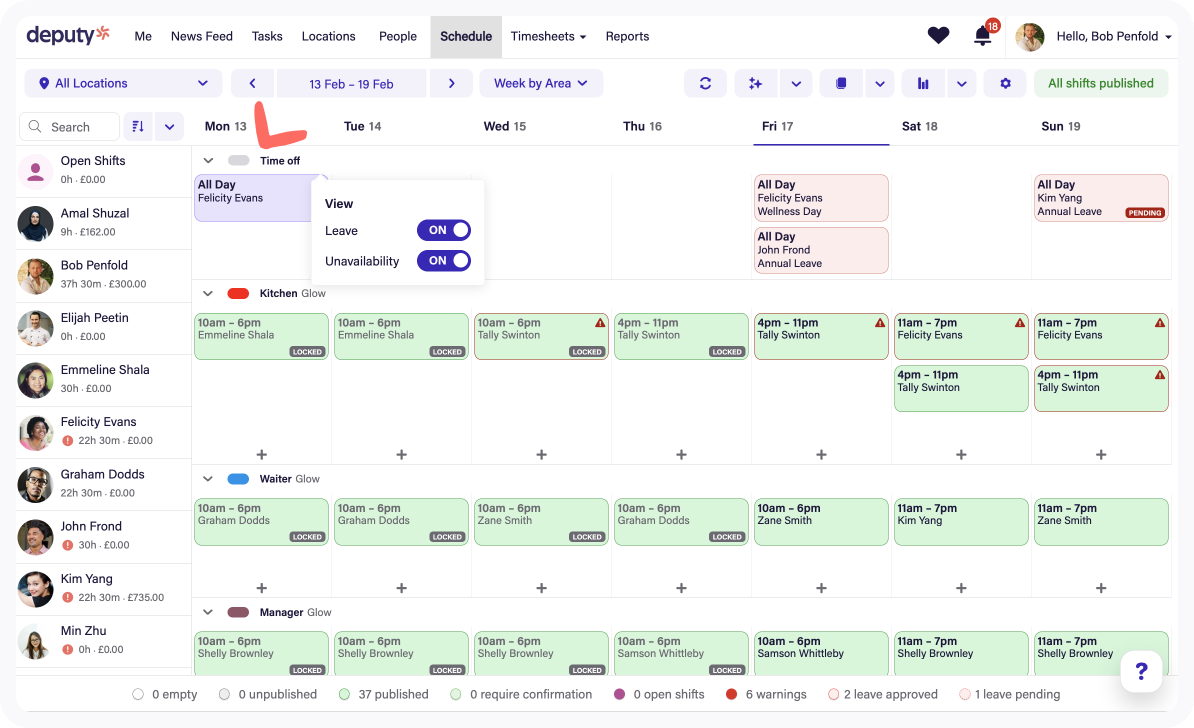
Deputy provides workforce scheduling and time management tools for businesses with large or changing shift requirements.
Key features:
- Automated employee scheduling
- Time and attendance tracking
- Labour forecasting
- Employee availability management
- Workforce reporting
Why choose Deputy?
Deputy is particularly useful for businesses that require sophisticated scheduling and labour management. Organizations with simpler scheduling needs may prefer a more straightforward solution that also includes HR and payroll.
3. 7shifts: Best shift scheduling software for restaurants
Best for: Restaurants, cafés, and hospitality businesses.
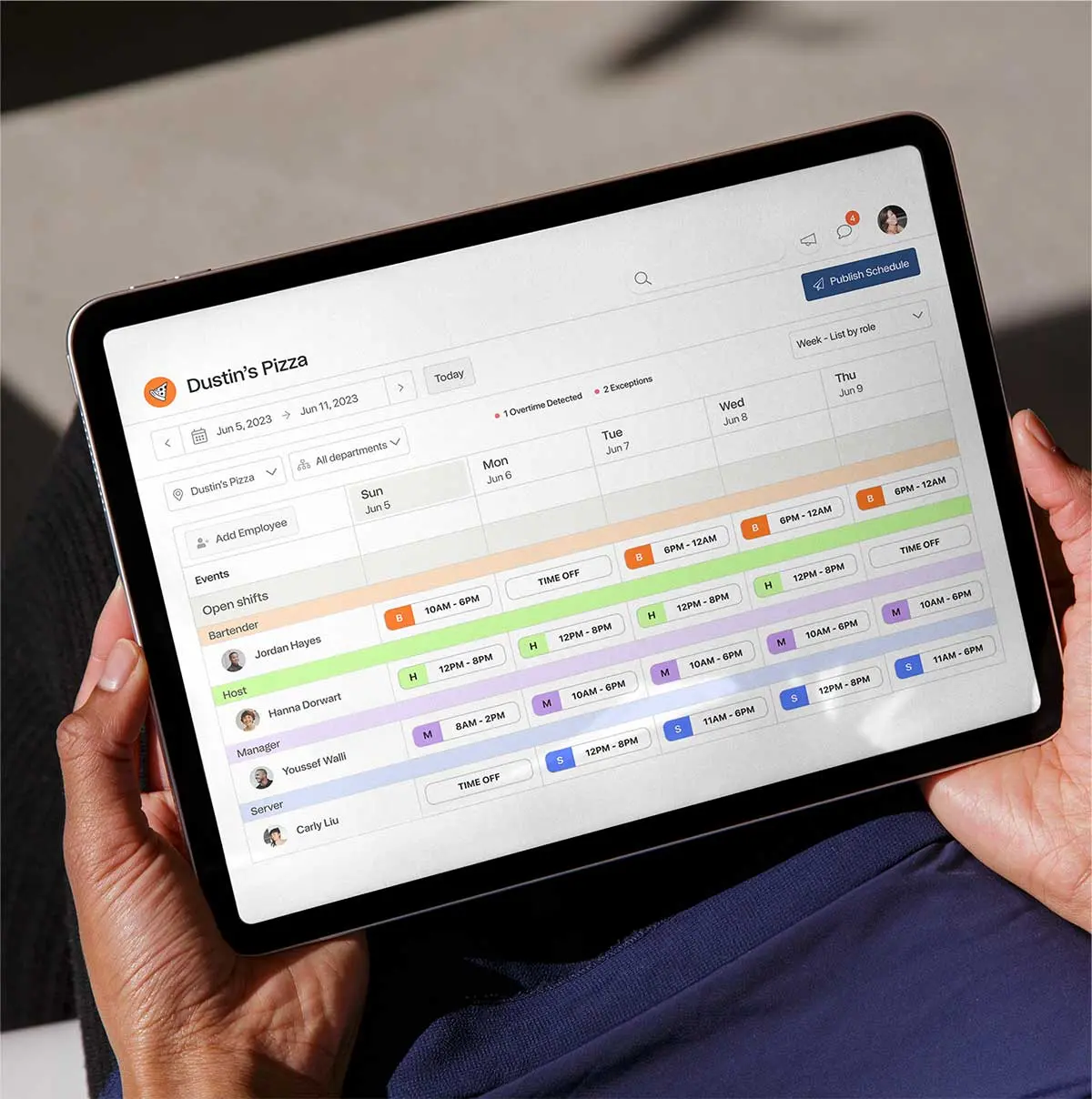
7shifts is a Canadian-founded employee scheduling platform designed specifically for the restaurant industry.
Key features:
- Restaurant employee scheduling
- Shift swapping
- Labour cost management
- Team communication
- Point-of-sale integrations
Why choose 7shifts?
7shifts is a great option for restaurant operators that need industry-specific scheduling and labour management features. Businesses outside hospitality may find a general-purpose HR and scheduling platform more suitable.
4. Agendrix: Best Canadian scheduling software for shift-based teams
Best for: Canadian businesses in retail, hospitality, and other shift-based industries.
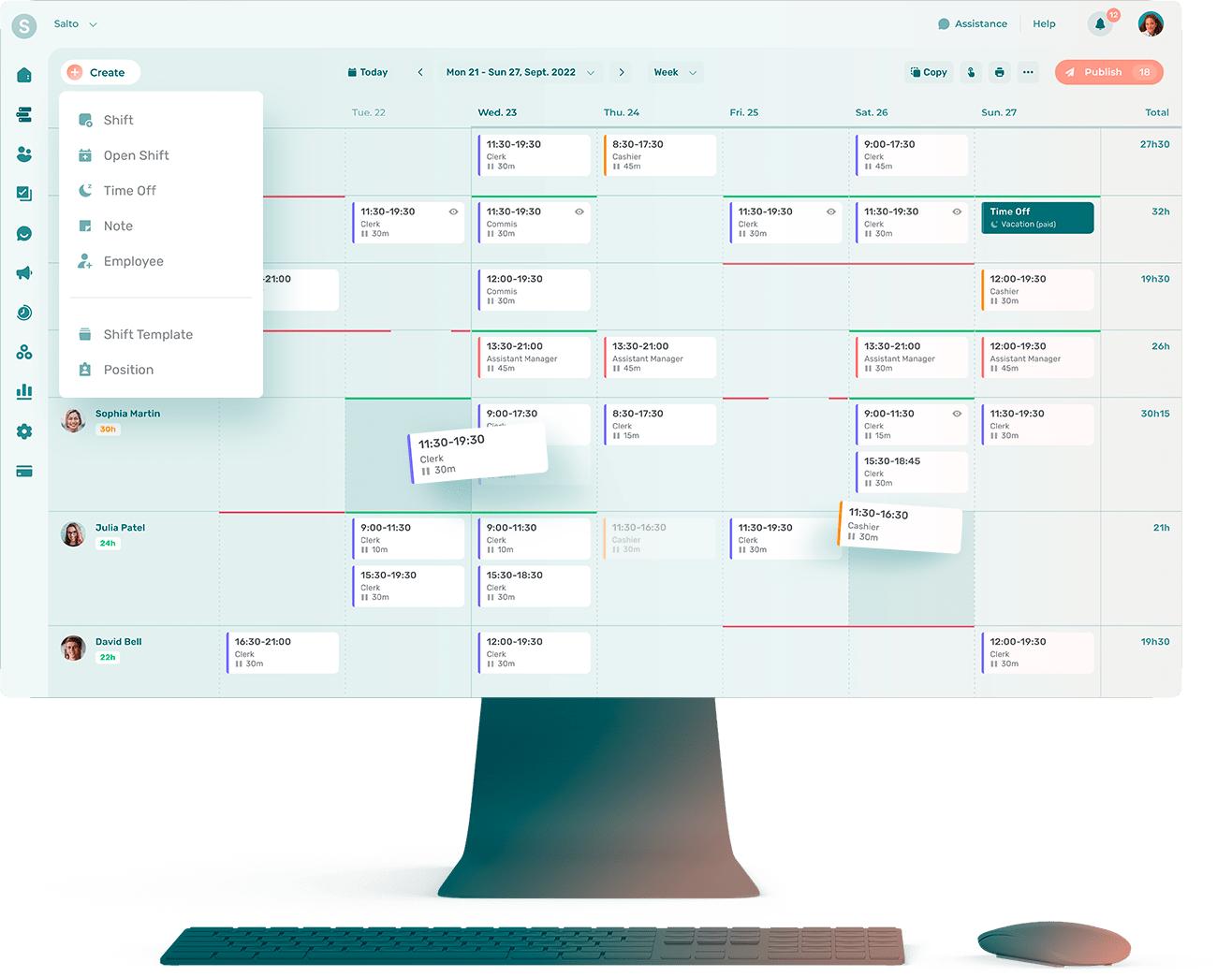
Agendrix is a Canadian employee scheduling and workforce management platform focused on simplifying day-to-day staffing.
Key features:
- Employee shift scheduling
- Time and attendance tracking
- Employee availability management
- Shift exchanges
- Team communication
Why choose Agendrix?
Agendrix is worth considering for Canadian businesses that prioritize employee scheduling and workforce communication, particularly those requiring bilingual functionality.
5. Homebase: Best for small businesses with hourly employees
Best for: Small businesses looking for accessible employee scheduling tools.
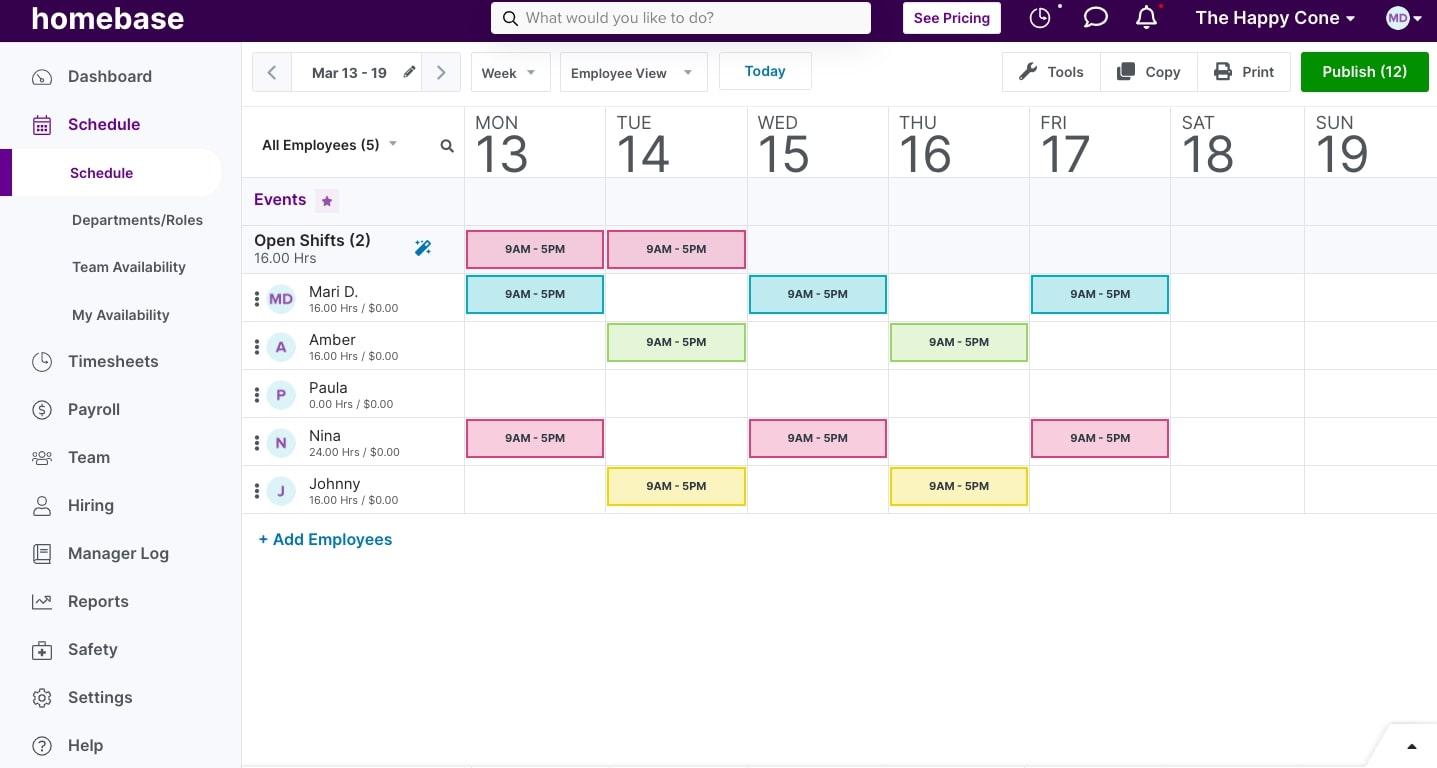
Homebase combines employee scheduling, time tracking, and team management features for hourly workforces.
Key features:
- Employee schedule creation
- Time clocks and attendance
- Team messaging
- Employee availability tracking
- Labour cost tools
Why choose Homebase?
Homebase can be a practical starting point for small teams, particularly those looking for a free scheduling option. Canadian businesses should evaluate its availability, payroll capabilities, and HR functionality against their local requirements.
6. Connecteam: Best for mobile and deskless employees
Best for: Businesses managing field workers, mobile teams, or employees working across different locations.
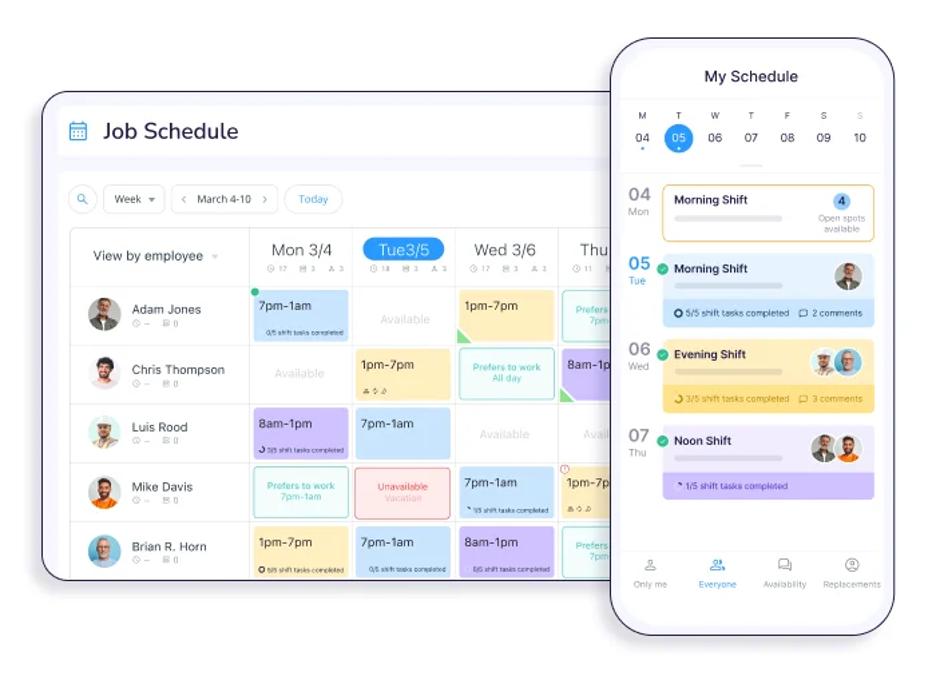
Connecteam is a workforce management platform designed for employees who don't work at traditional desks.
Key features:
- Employee shift scheduling
- Mobile time tracking
- Team communication
- Task management
- Employee forms and checklists
Why choose Connecteam?
Connecteam is especially useful for businesses that need to coordinate employees working remotely, in the field, or across multiple job sites.
7. Sling: Best for affordable employee scheduling
Best for: Small businesses looking for budget-friendly scheduling and team communication.
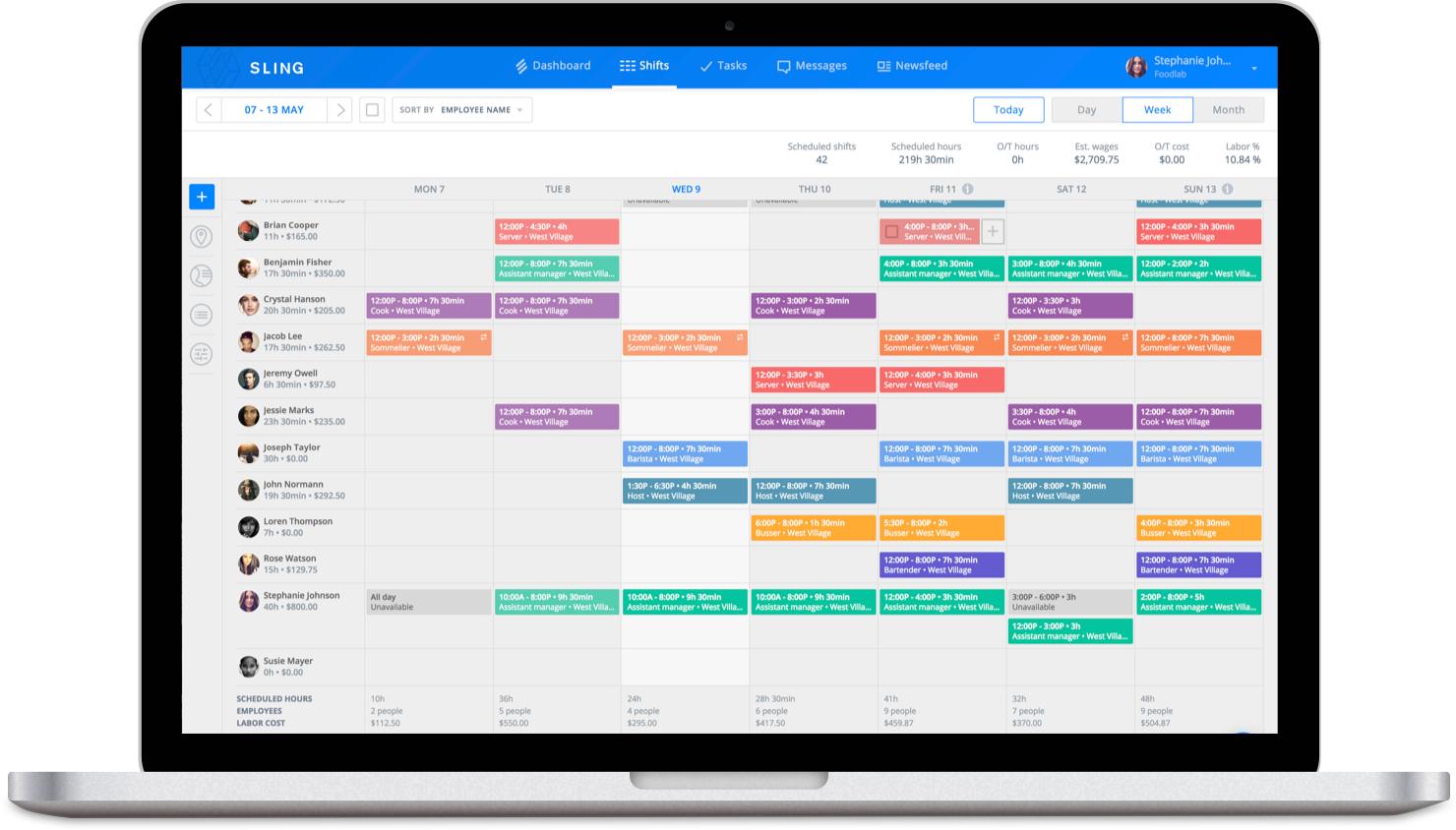
Sling offers employee scheduling, time tracking, and communication tools for hourly teams.
Key features:
- Shift scheduling
- Employee availability tracking
- Shift exchanges
- Team messaging
- Time tracking
Why choose Sling?
Sling is an accessible option for employers that primarily need employee scheduling and communication without a full HR management platform.
8. MakeShift: Best for healthcare and complex scheduling
Best for: Healthcare organizations and businesses with demanding shift coverage requirements.
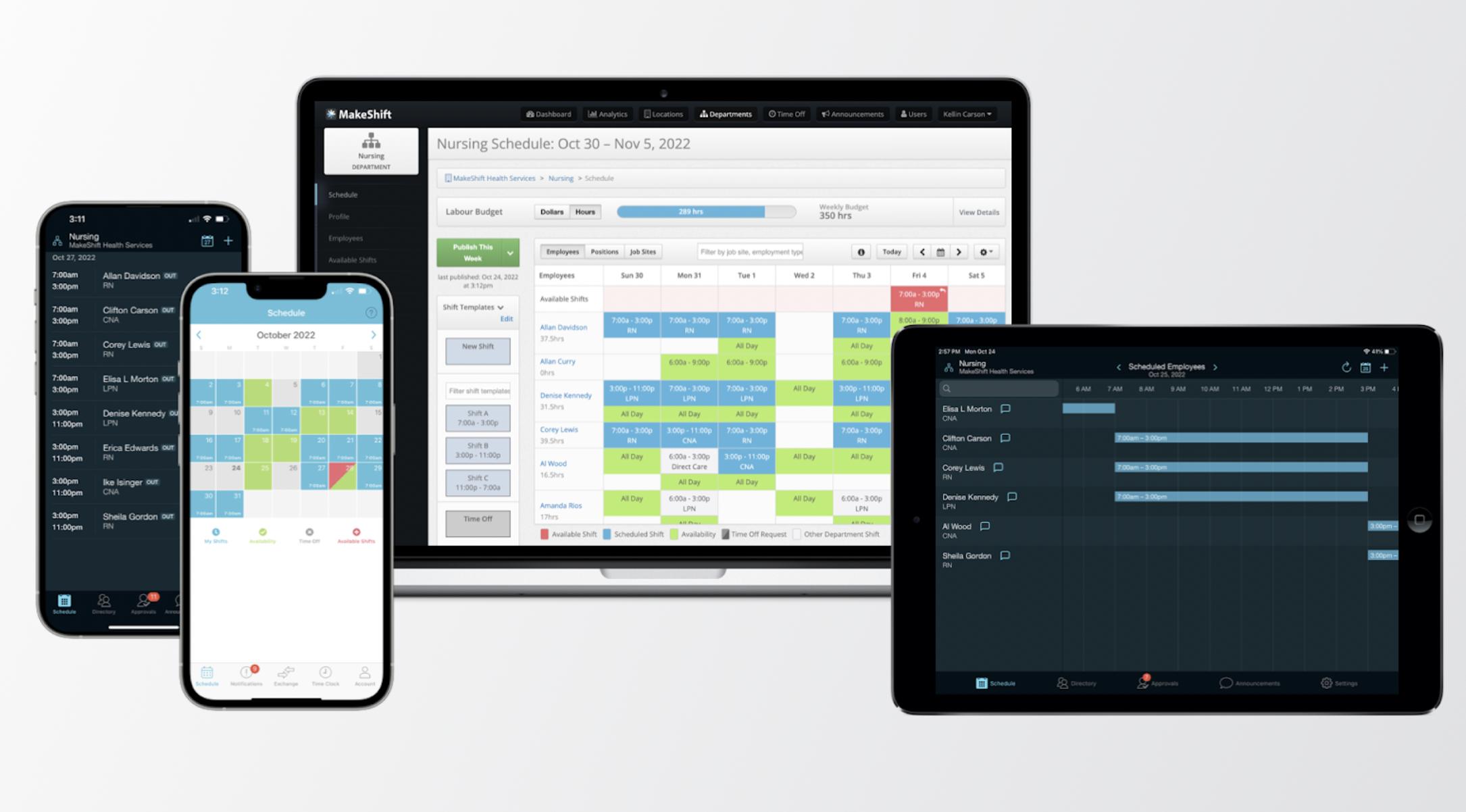
MakeShift is a Canadian workforce scheduling platform designed to help organizations manage employee availability, staffing requirements, and schedule changes.
Key features:
- Employee scheduling
- Shift exchanges
- Staff availability management
- Mobile schedule access
- Workforce coordination
Why choose MakeShift?
MakeShift is particularly relevant for organizations with complex staffing arrangements, including healthcare employers managing rotating shifts and around-the-clock coverage.
9. ZoomShift: Best for retail and hourly workforce scheduling
Best for: Small businesses with hourly employees and straightforward scheduling requirements.
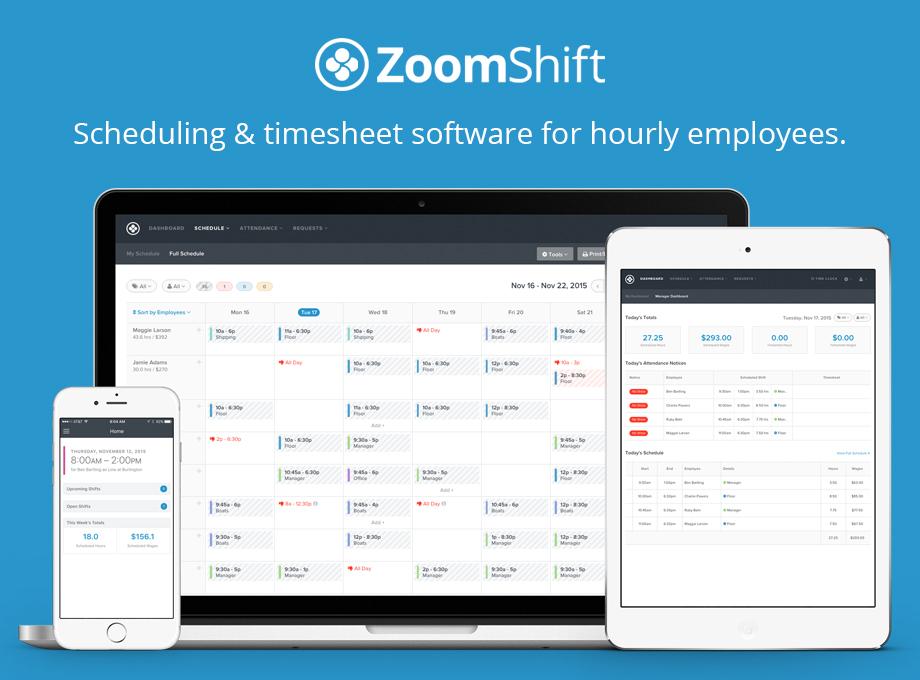
ZoomShift helps businesses create schedules, track employee hours, and manage shift-based teams.
Key features:
- Employee schedule management
- Time tracking
- Shift swaps
- Employee availability
- Labour cost tracking
Why choose ZoomShift?
ZoomShift is a practical option for smaller employers looking to replace manual scheduling with an easy-to-use digital system.
10. QuickBooks Time: Best for businesses using QuickBooks
Best for: Businesses that already use QuickBooks and want to connect employee scheduling with time tracking and accounting workflows.
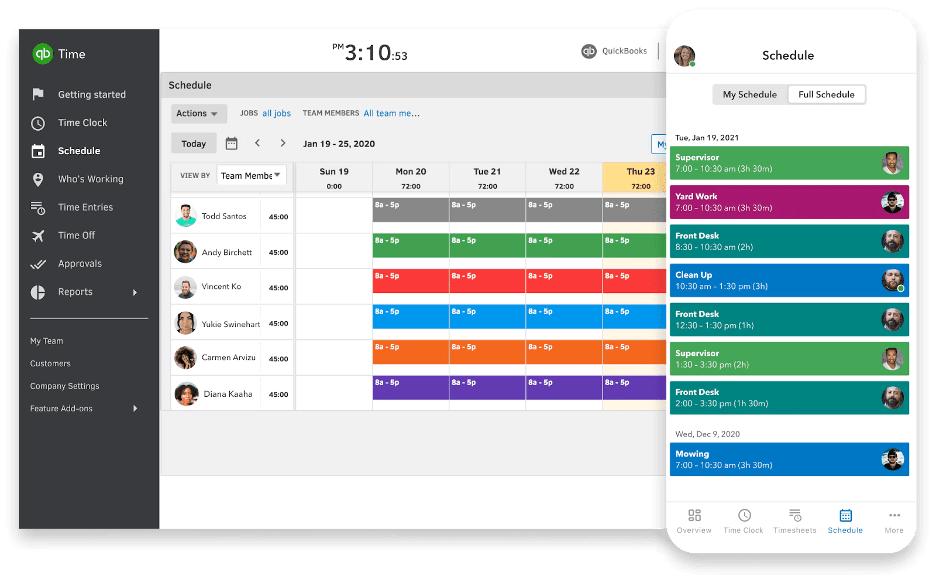
QuickBooks Time is an employee time tracking and scheduling solution that helps businesses manage work hours, employee schedules, and payroll-related data.
Key features:
- Employee scheduling
- Mobile time tracking
- GPS-based time tracking
- Timesheet management
- QuickBooks integration
Why choose QuickBooks Time?
QuickBooks Time is worth considering for businesses already using the QuickBooks ecosystem. However, Canadian employers looking for a more comprehensive HR solution may prefer Collage HR, which combines employee scheduling, time tracking, payroll, and HR management in one platform.
What should Canadian businesses look for in shift scheduling software?
The best employee scheduling software should make it easier to manage schedules without creating additional administrative work.
When comparing platforms, consider:
- Ease of scheduling: Can managers quickly create, edit, and publish shifts?
- Time off integration: Can managers see approved absences when building schedules?
- Conflict detection: Does the software flag overlapping shifts or unavailable employees?
- Time tracking: Can employees use their scheduled shifts when recording hours worked?
- Payroll integration: Does the software work with your Canadian payroll processes?
- HR functionality: Can you manage employee information, time off, and scheduling in one place?
For Canadian businesses, choosing a platform that combines employee scheduling with HR and payroll can help reduce the number of tools managers need to maintain.
Frequently asked questions about shift scheduling software
What is shift scheduling software?
Shift scheduling software is a digital tool that helps businesses create, organize, and share employee work schedules. It replaces manual scheduling methods like spreadsheets and paper calendars and can include features such as recurring shifts, time off visibility, and schedule notifications.
What is the best shift scheduling software for small businesses in Canada?
Collage HR is a strong option for Canadian small businesses that want shift scheduling alongside time tracking, HR, and payroll. Deputy, Agendrix, and 7shifts are also worth considering depending on the business's scheduling needs.
Is there Canadian shift scheduling software?
Yes. Canadian businesses can choose from platforms including Collage HR, Agendrix, 7shifts, and MakeShift. These solutions offer different approaches to employee scheduling, from integrated HR and payroll to industry-specific workforce management.
Can employee scheduling software integrate with payroll?
Yes. Some scheduling platforms integrate with external payroll providers, while others offer payroll within the same system. Collage HR combines employee scheduling, time tracking, and Canadian payroll in one platform.
What is the difference between shift scheduling and time tracking software?
Shift scheduling software determines when employees are expected to work, while time tracking software records the hours they actually work. Platforms like Collage HR support both workflows, allowing employees to use their published shifts when completing timesheets.
What industries benefit from employee shift scheduling software?
Shift scheduling software is useful for businesses in retail, hospitality, healthcare, manufacturing, professional services, and other industries with hourly or shift-based employees. It helps managers coordinate staffing, communicate schedules, and track employee working hours.
Simplify employee scheduling with Collage HR
Employee scheduling shouldn't require another disconnected software platform.
With Collage HR, Canadian businesses can create and publish shifts, manage time off, track employee hours, and run payroll from one place.
Whether you're moving away from spreadsheets or looking to consolidate your HR tools, Collage makes managing your workforce simpler.

